- Published on
使用 cc-switch 将 DeepSeek 大语言模型接入 Codex
- Authors

- Name
- Tails Azimuth
使用 cc-switch 将 DeepSeek 大语言模型接入 Codex
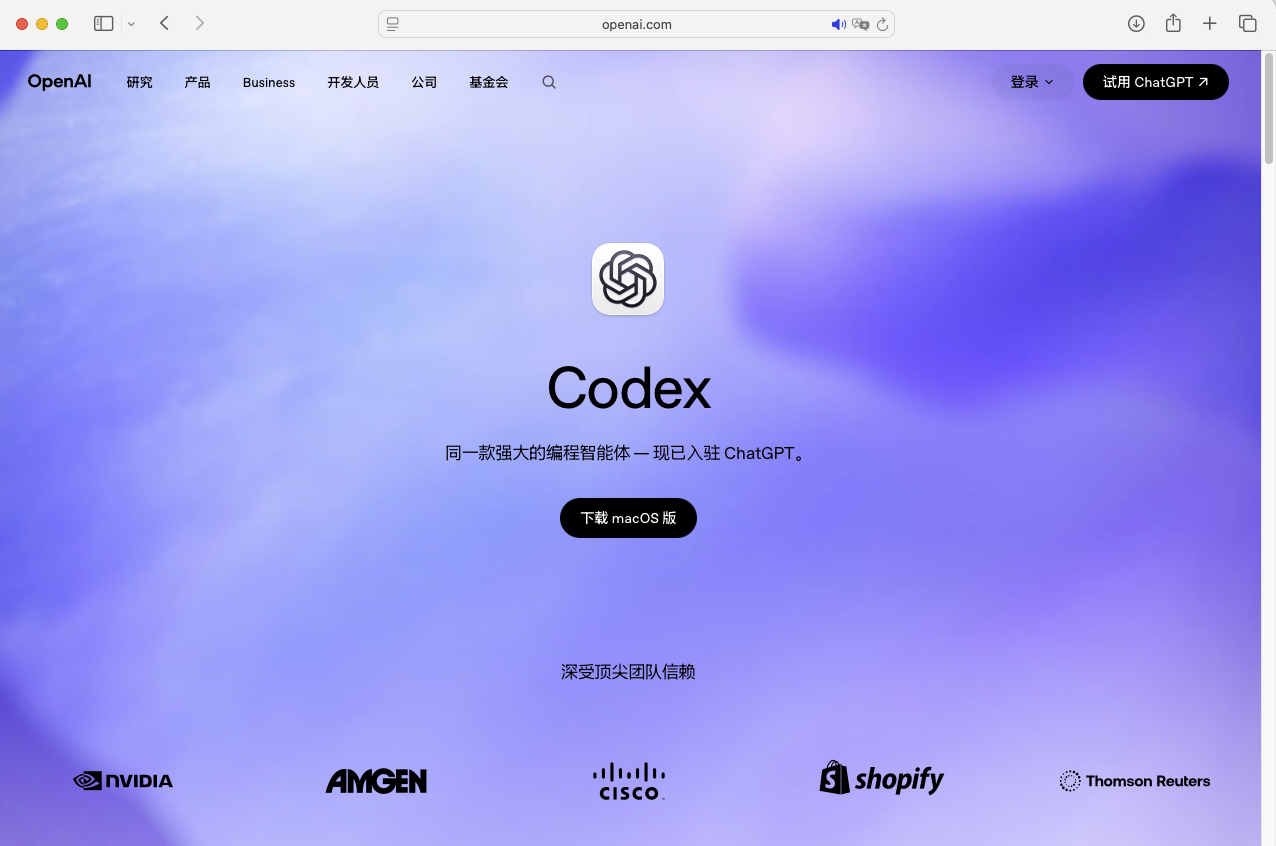
- 下载 Codex
Codex 下载地址:https://openai.com/academy/codex/
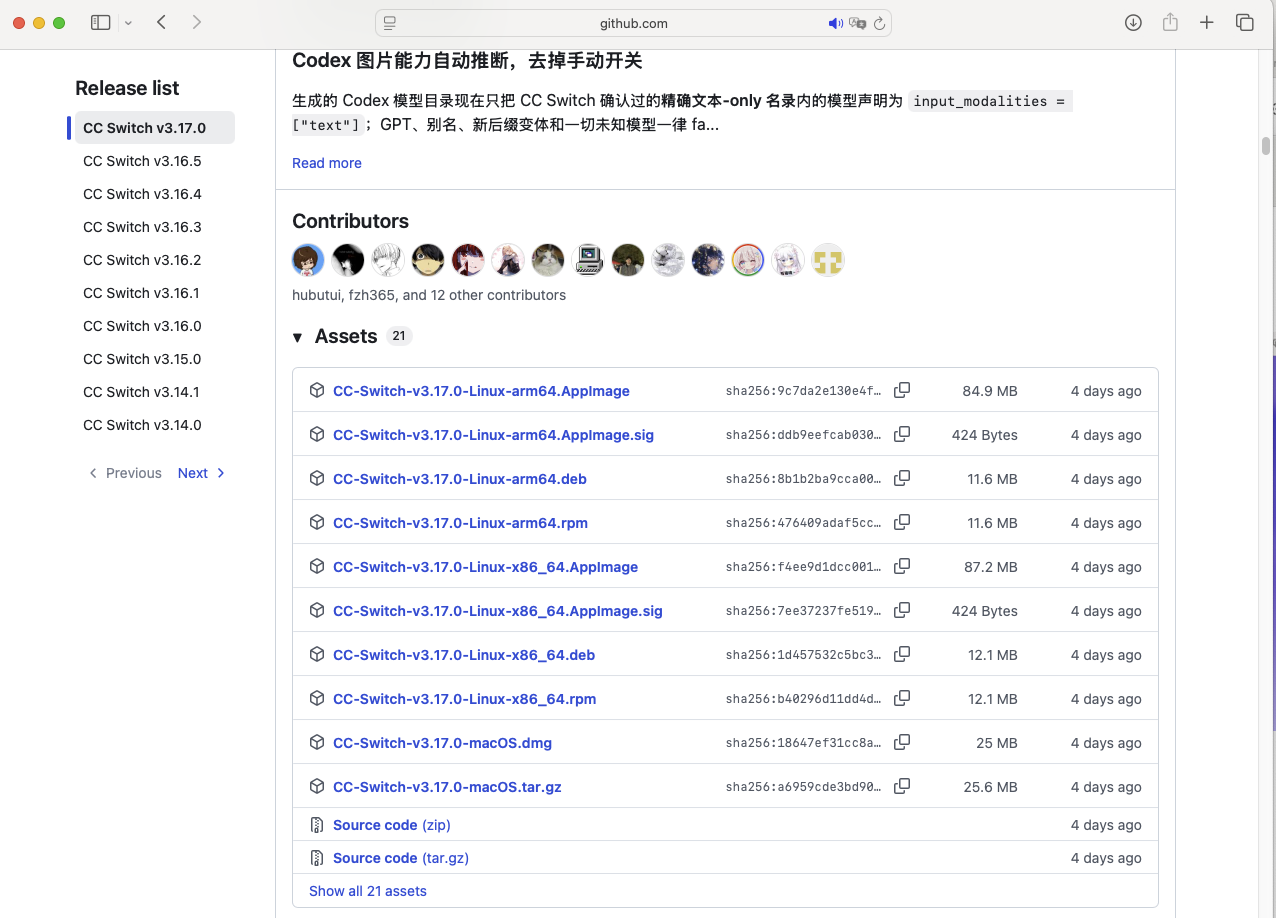
- 下载 cc-switch
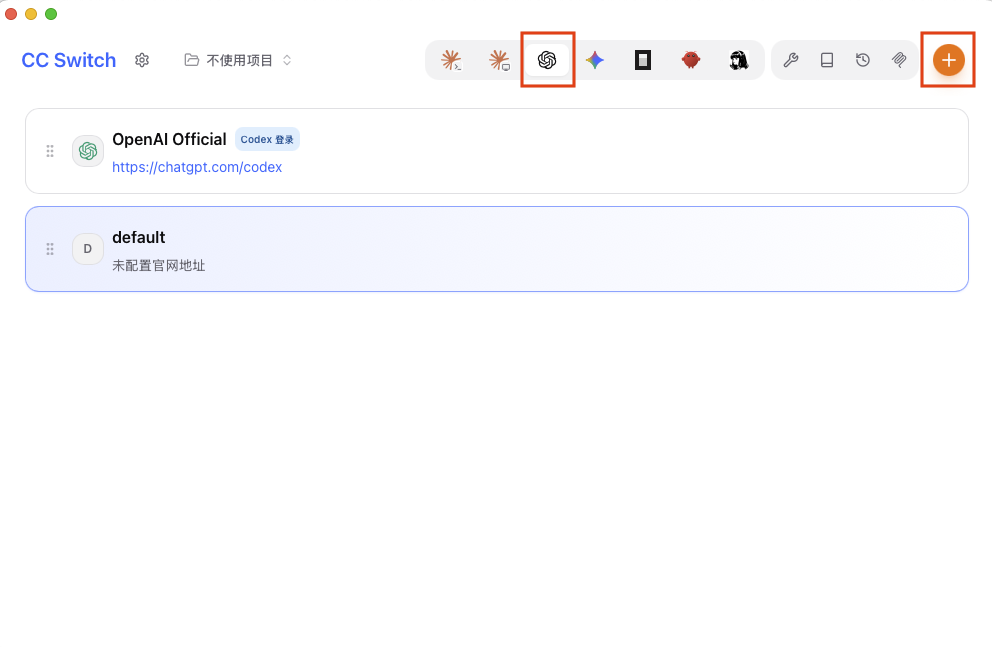
- 打开 cc-switch,选择 Codex,添加供应商
下载完成后打开,选择 Codex,并点击加号添加供应商:
点击添加:
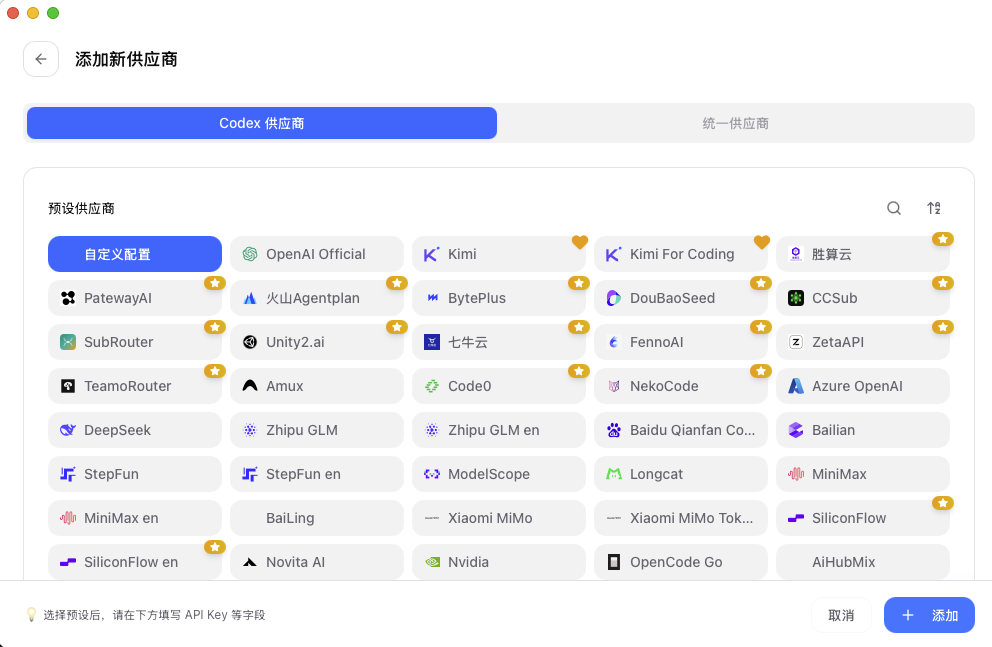
- 选择 DeepSeek
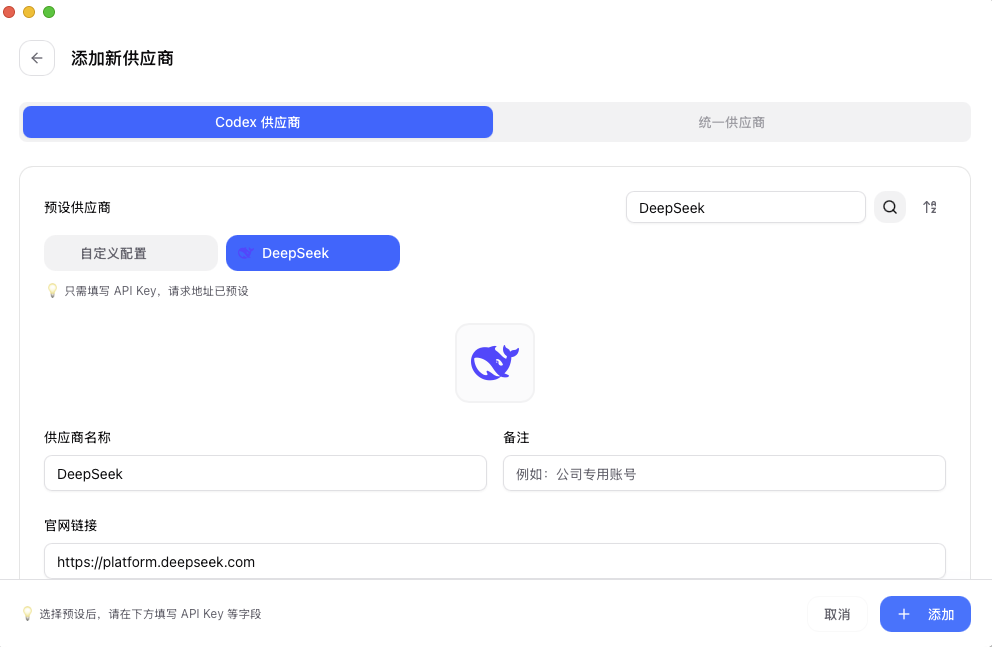
从列表中选择 DeepSeek:
- 获取 DeepSeek API Key
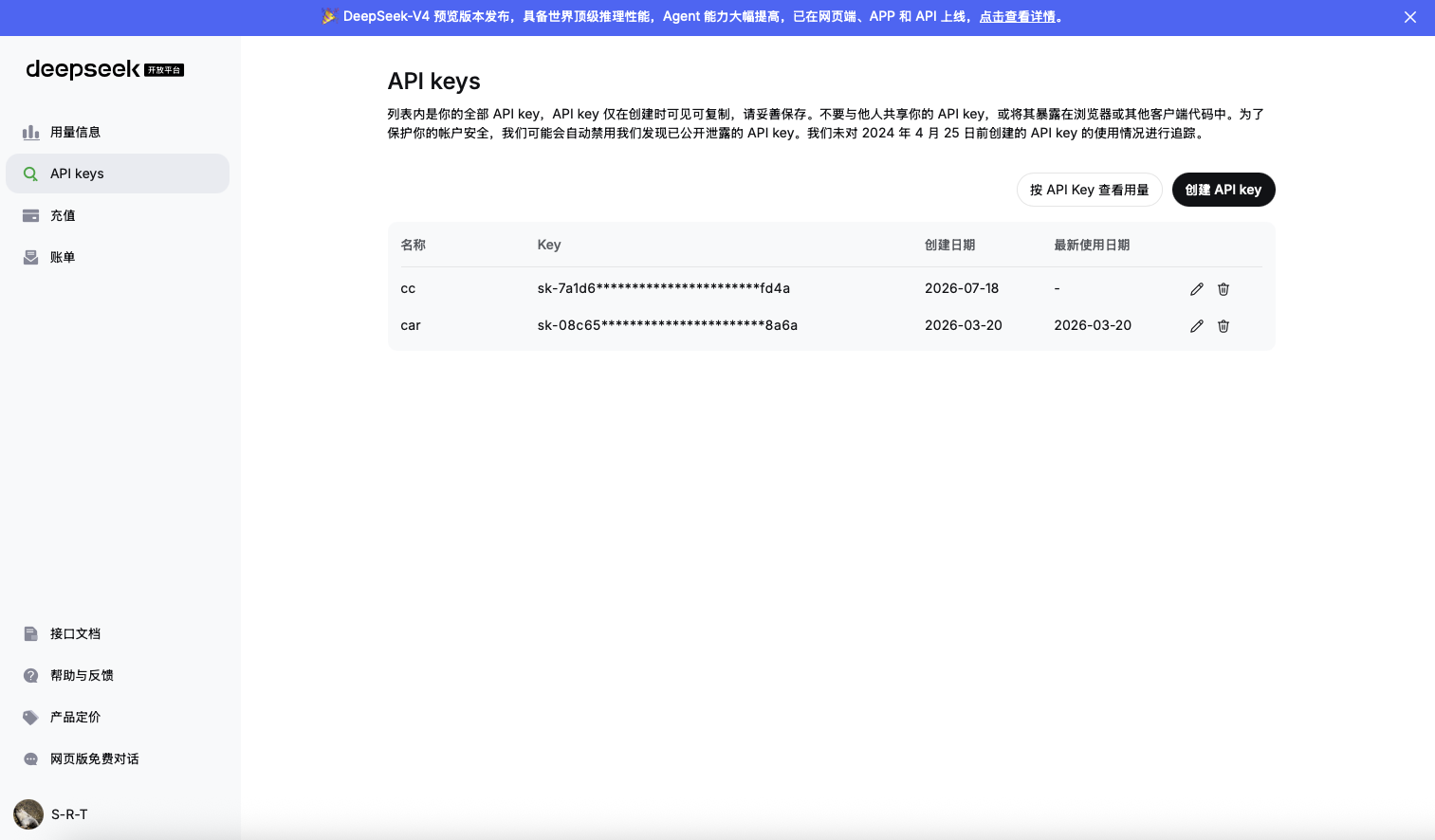
在 DeepSeek API 开放平台(https://platform.deepseek.com/api_keys)创建 API key:
- 在 cc-switch 中添加 API Key
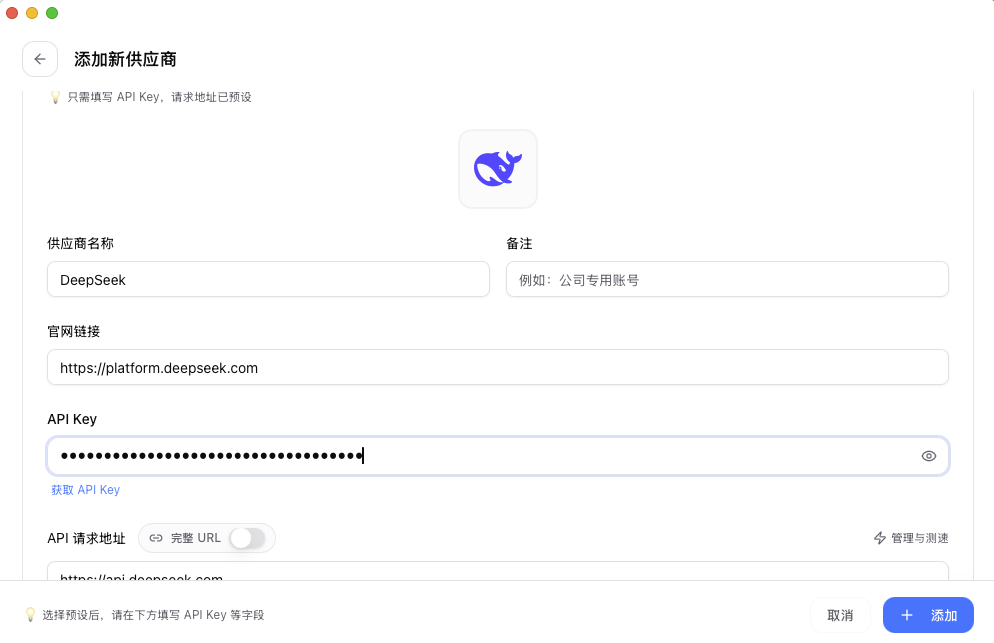
在新增的 DeepSeek 供应商下,填写 API Key:
- 启用供应商
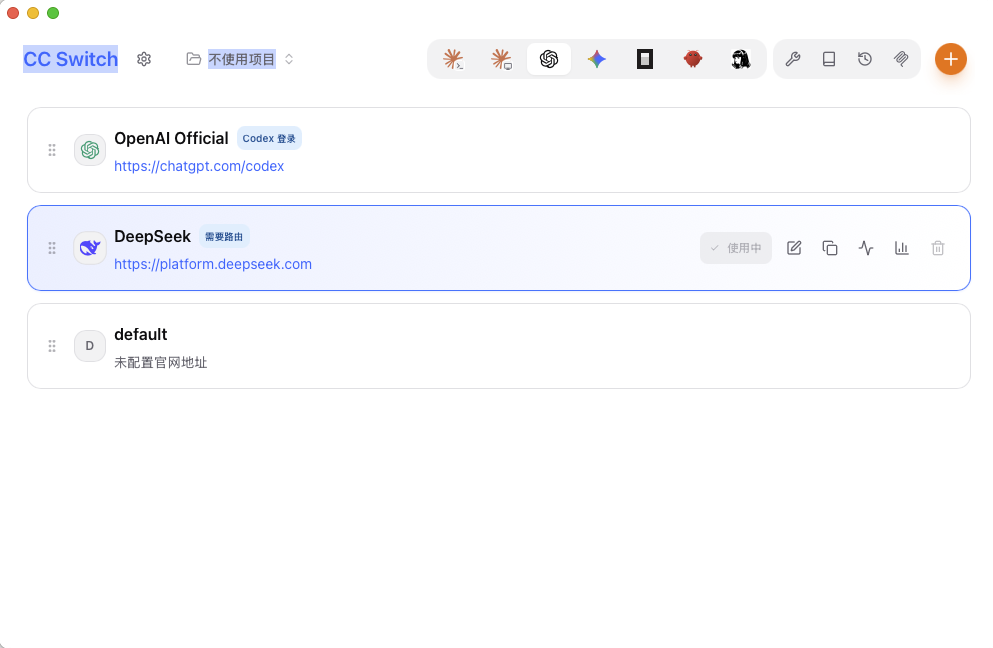
添加完成后启用该供应商:
- 进入设置页面
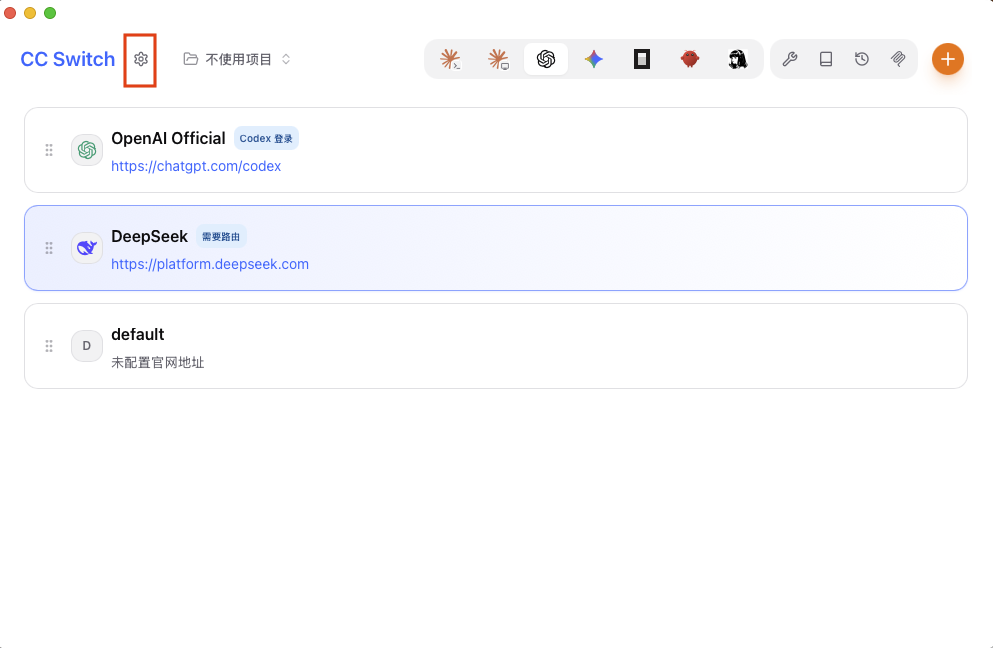
点击齿轮图标进入设置:
- 配置路由
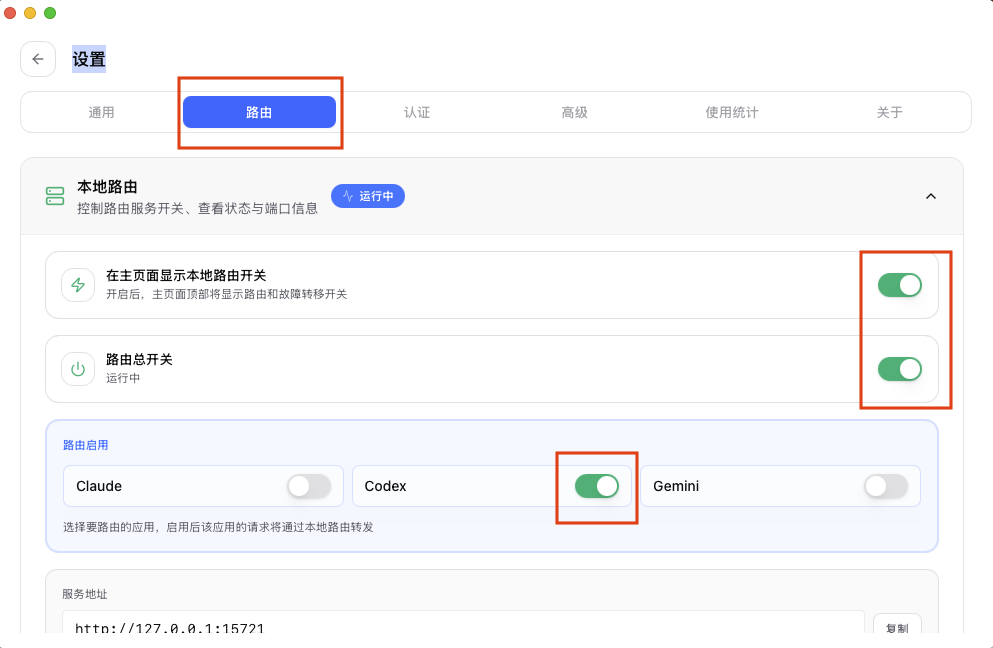
点击路由,将两个开关都打开,并启动 Codex 对应路由:
- 完成接入
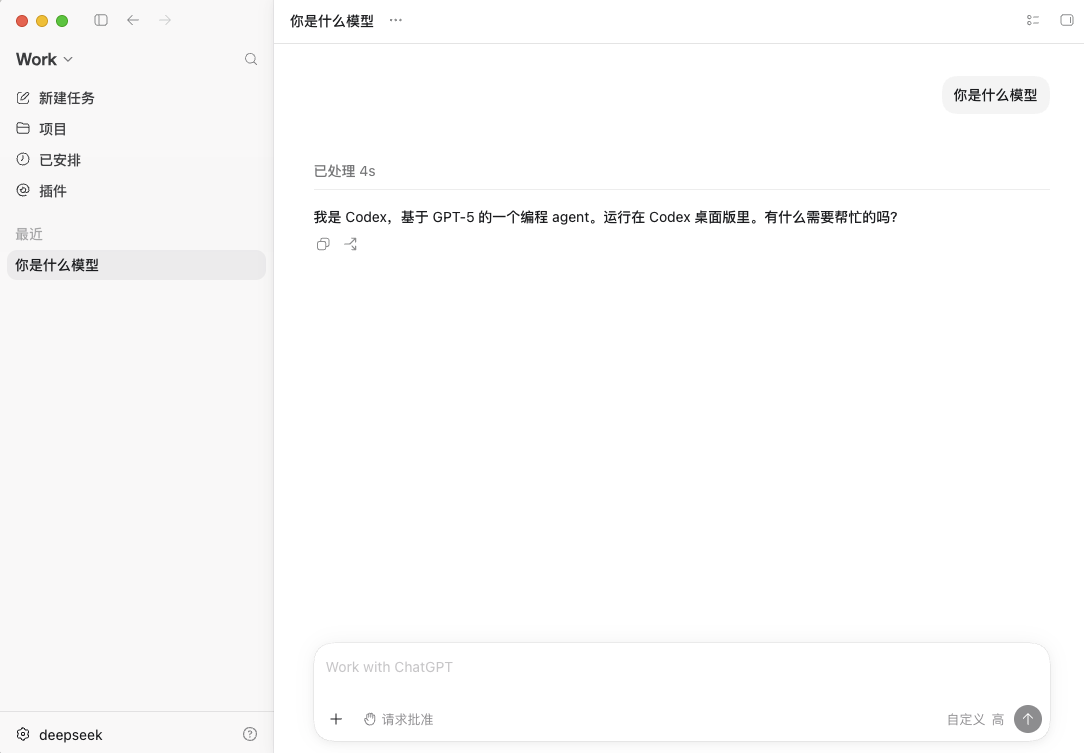
再次打开 Codex,就可以正常使用 DeepSeek 大语言模型了: